

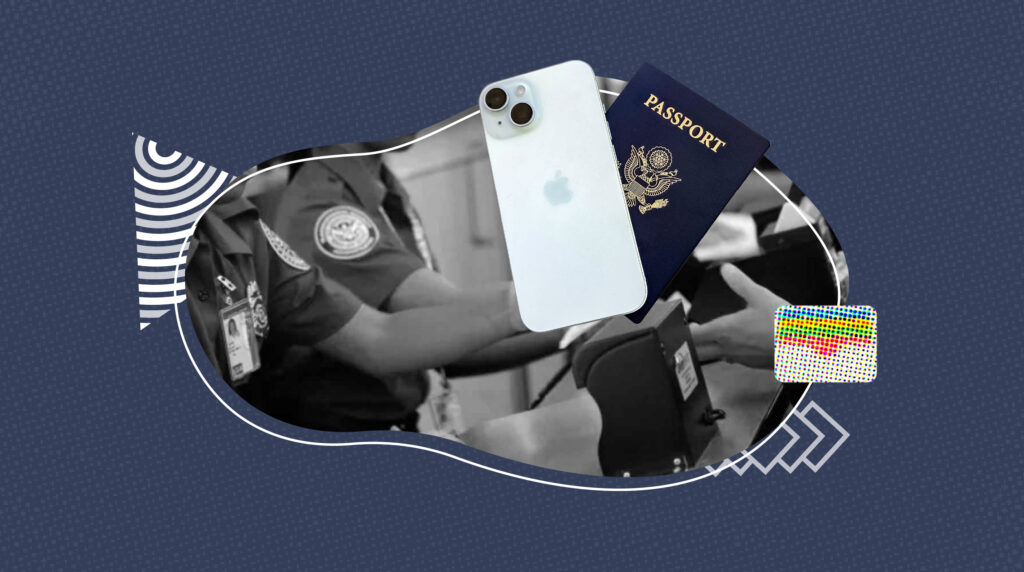
Air travel just got a tech-forward upgrade — and your passport might be next in line. In a major announcement at WWDC 2025, Apple confirmed that iPhone users will be able to store their U.S. passports digitally in Apple Wallet starting this fall. Google Wallet introduced a similar feature last year, and now the TSA has officially approved digital passports for domestic travel.
Whether you’re prepping for a cross-country trip or navigating the REAL ID deadline in 2026, here’s everything you need to know about this game-changing development in travel identity verification.
Table of Contents
- What Is a Digital Passport & How Does It Work?
- Where Can You Use a Digital Passport?
- Does It Replace Your Physical Passport?
- Can You Use It Internationally?
- Security & Privacy Details
- Perks for TSA PreCheck & Clear
- Limitations to Know
- Bottom Line: Should You Go Digital?
What Is a Digital Passport and How Does It Work?
A digital passport is an encrypted version of your physical U.S. passport stored on your iPhone or Android device. Apple and Google refer to it as a Digital ID or ID Pass, accessible through the Wallet app. This upgrade offers a faster, contactless option for verifying your identity at select TSA checkpoints.
How to set it up:
-
Open the Wallet app.
-
Select “Add to Wallet” and choose ID.
-
Scan your passport’s photo page.
-
Tap the phone to the passport’s NFC chip.
-
Record a short selfie video for verification.
Apple’s digital ID feature will launch with iOS 26 this fall and will be supported on all devices from iPhone XS and newer. Google Wallet began supporting passport storage in September 2024.
Where Can You Use a Digital Passport?
As of July 2025, TSA digital-ID readers operate in 250+ U.S. airports (about 80 % of passengers). Major hubs include JFK, LAX, BOS, ATL, DEN, ORD, DFW and more. Just tap, consent, and go—no more digging for documents.
Need a certified birth certificate to get your passport? Start your application with Vital Records Online — it’s required for all first-time U.S. passport applications.
Is a Digital Passport a Replacement for the Physical One?
Not yet. According to the TSA and Department of Homeland Security, your digital passport is only valid at TSA checkpoints for domestic flights. It does not replace your actual passport book or card.
Keep your physical passport accessible during travel — especially if:
-
Your phone battery dies.
-
You’re traveling internationally.
-
You’re using a TSA lane not yet equipped for digital IDs.
Can You Use a Digital Passport for International Travel?
No. International border control still requires a physical passport with a machine-readable zone and visa stamps. Until U.S. Customs and Border Protection (CBP) upgrades its systems and international agreements are in place, digital passports won’t work at immigration or customs.
How Secure Is a Digital Passport in Apple Wallet?
Security and privacy are top priorities for both Apple and Google:
-
Data is stored offline in a tamper-proof secure element.
-
Access requires biometric authentication (Face ID or fingerprint).
-
TSA officers only see your name, photo, and date of birth — not your full passport number or address.
-
The information is not shared or stored externally.
This setup is often more secure than handing over a physical ID.
Benefits for TSA PreCheck and Clear Travelers
If you’re a member of TSA PreCheck or Clear, using a digital passport can make the screening process even faster. By combining your boarding pass and passport in one device, you’ll breeze through checkpoints with fewer touchpoints.
Still need to upgrade your documents ahead of the REAL ID enforcement date in 2026? Visit our REAL ID vs. Passport guide to understand your options.
Limitations and Potential Issues
Despite the innovation, there are a few limitations to be aware of:
-
Some TSA officers may not yet be familiar with the technology.
-
Not all TSA lanes are equipped with digital readers.
-
If your phone runs out of battery, you’ll need a backup ID.
-
Digital passports are not accepted internationally.
-
The feature requires iOS 26, which is still in beta as of July 2025.
A smart travel tip: Always carry your physical passport, even when using digital credentials.
The Bottom Line: Should You Go Digital?
Yes — but don’t go paperless just yet. Apple and Google’s digital ID features mark a significant leap in travel convenience and security. While the digital passport won’t get you through customs or onto international flights, it can speed up domestic airport experiences — especially for frequent flyers.
Best practice: Store your ID in both places. Use your phone for the checkpoint, and keep your physical passport in your bag for backup.
Need a Birth Certificate to Apply for a Passport?
Whether you’re getting your first passport or replacing a lost one, you’ll need a certified copy of your birth certificate. That’s where we come in.
- Fast, secure online applications
- Expert support from start to finish
- Nationwide processing — all 50 states